Omoo Nodes
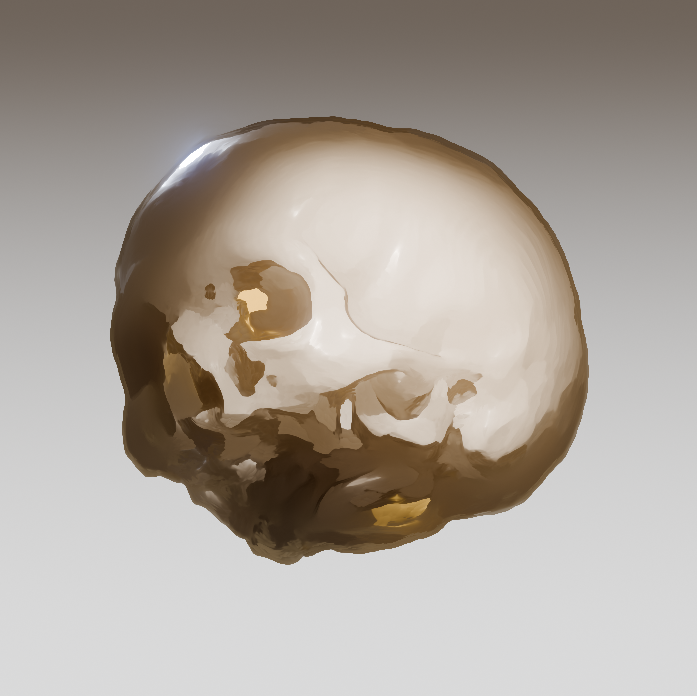
Omoo Nodes is a suite of practical node asset libraries created by OmooLab for Blender. It turns frequently used workflows into reusable node groups, reducing the time spent rebuilding common functionality while making complex node trees clearer and easier to maintain.
Inspired in part by Houdini's procedural workflow, it is designed for real production scenarios such as procedural modeling, particle effects, stylized non-photorealistic rendering, scientific visualization, and annotation.
Features
The assets are organized into libraries by purpose:
| Asset Library | Purpose |
|---|---|
O Essentials |
Core utility nodes and shared dependencies for other asset libraries |
O Extra |
Procedural assets and specific artistic effects |
O Granules |
Particle effects, simulations, and presets |
O Growth |
Organic growth and life-simulation effects |
O Annotation |
Scientific data visualization, labels, and annotations |
All nodes use Blender's native Asset Library system, with no add-on required.
Installation
Choose an installation method based on your Blender version and preferred workflow:
Local Asset Libraries
- Get Omoo Nodes from Gumroad.
- Extract the complete package to a permanent directory.
- Open
Edit > Preferences > Asset Libraries. - Click
+on the right side of the list and select an asset library folder, such asO Essentials.
Some asset libraries depend on O Essentials. Keep the relative locations of the
asset library folders unchanged after extraction.
Remote Asset Libraries (5.2)
- Open
Edit > Preferences > Asset Libraries. - Click
+on the right side of the list, selectAdd Remote Asset Library, and enter the URL of the asset library you need.
| Asset Library | URL |
|---|---|
O Essentials |
https://assets.omoolab.xyz/b52/O_Essentials |
O Extra |
https://assets.omoolab.xyz/b52/O_Extra |
If Blender requests network permission, allow Online Access. Blender first loads the asset listings and thumbnails, then downloads and caches individual assets on demand.